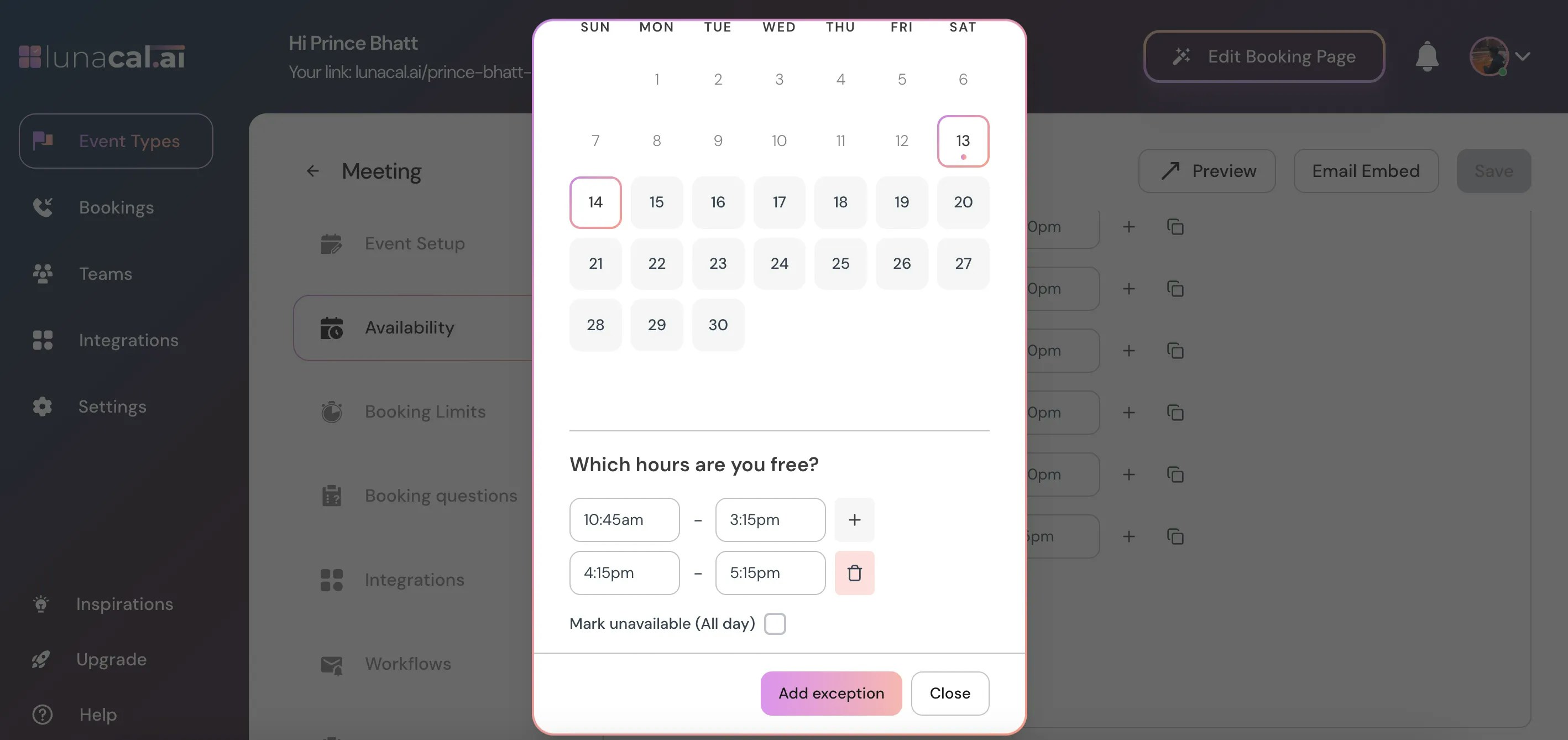
Find out how to set up availability exceptions for certain dates and times in your events.
Open Event Types #
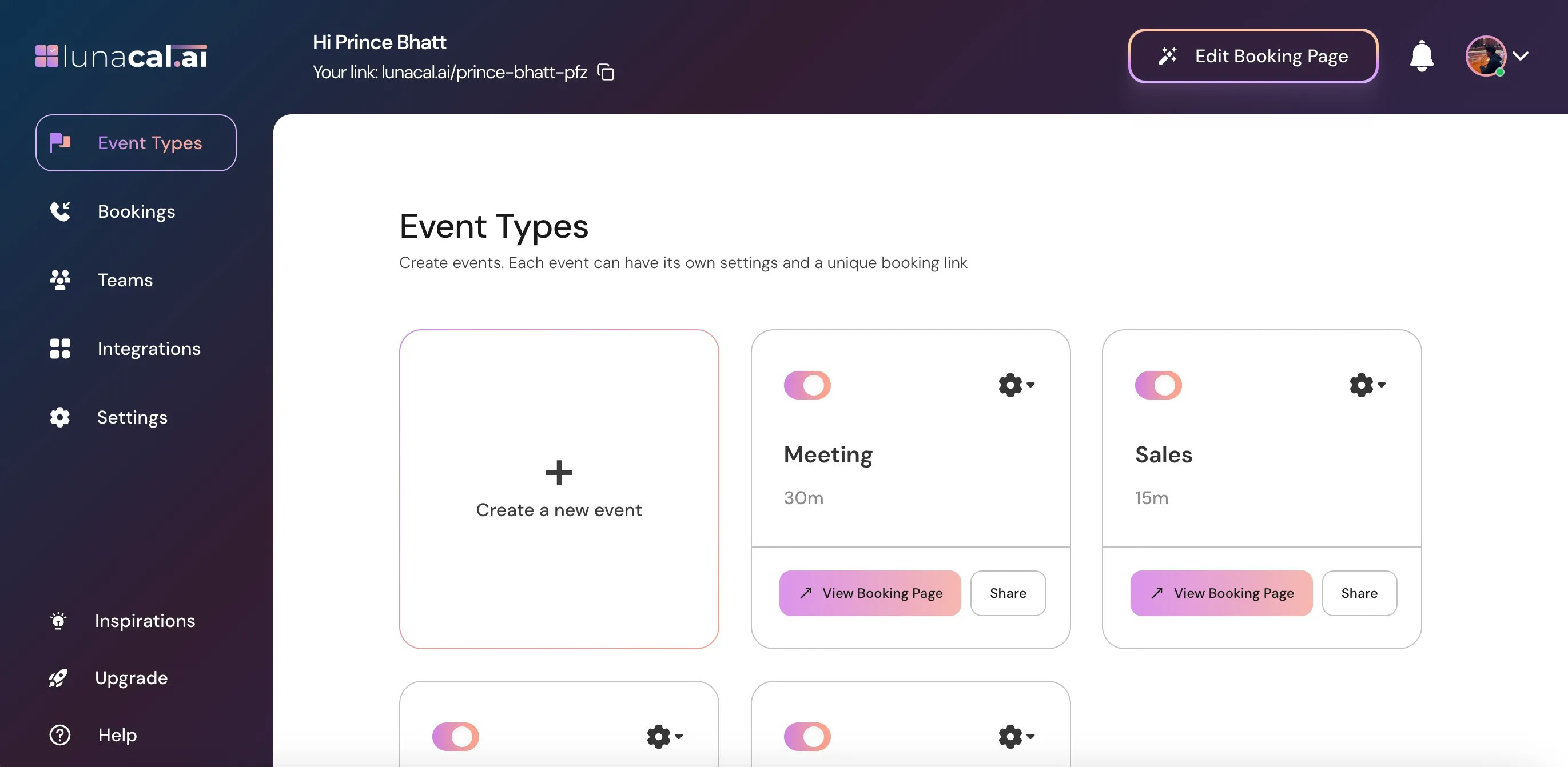
Go to “Event Types” in your dashboard.
Select Event #
Select the event for which you want to set an availability exception and click on the “Settings” icon on that event card.
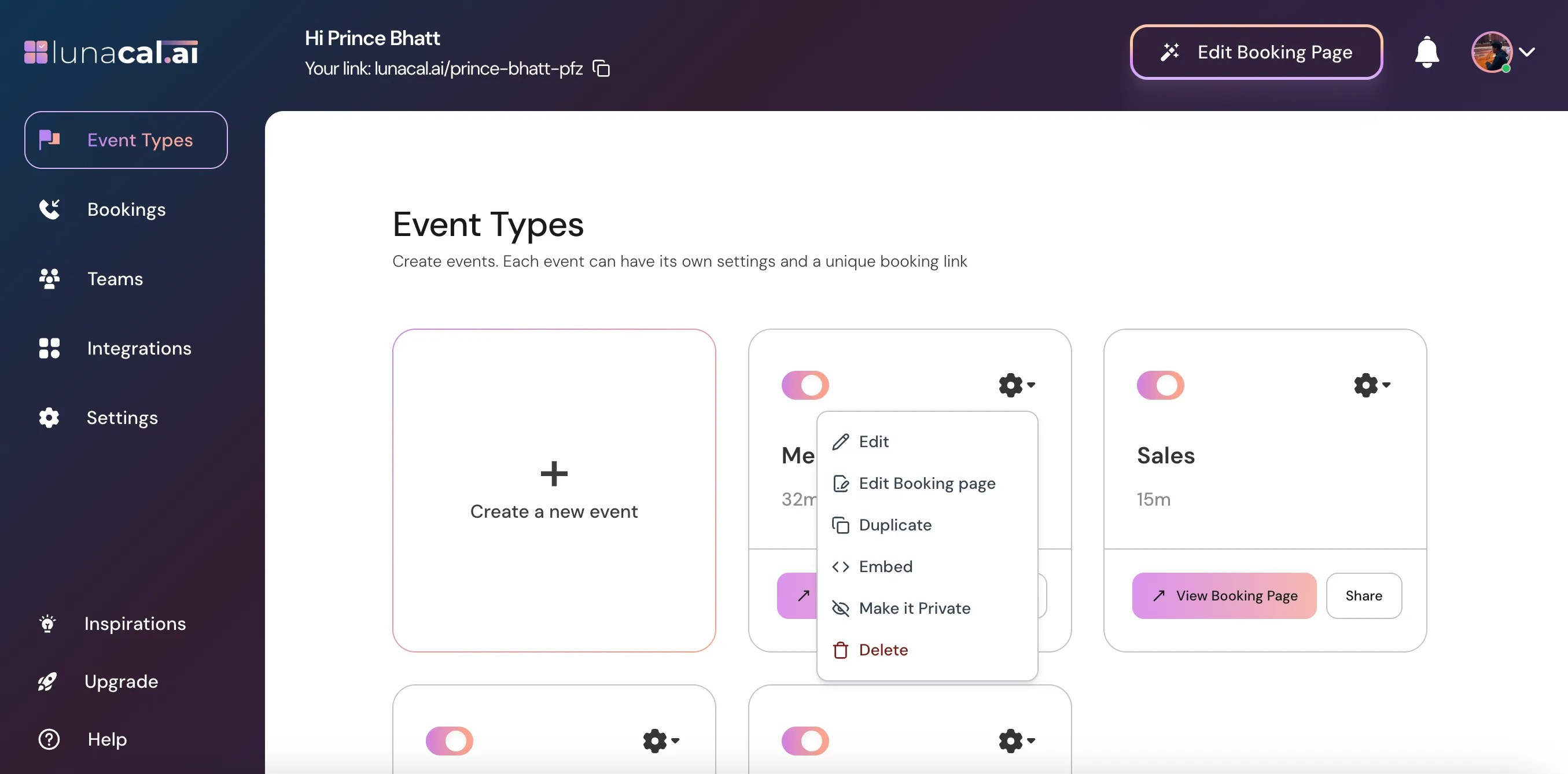
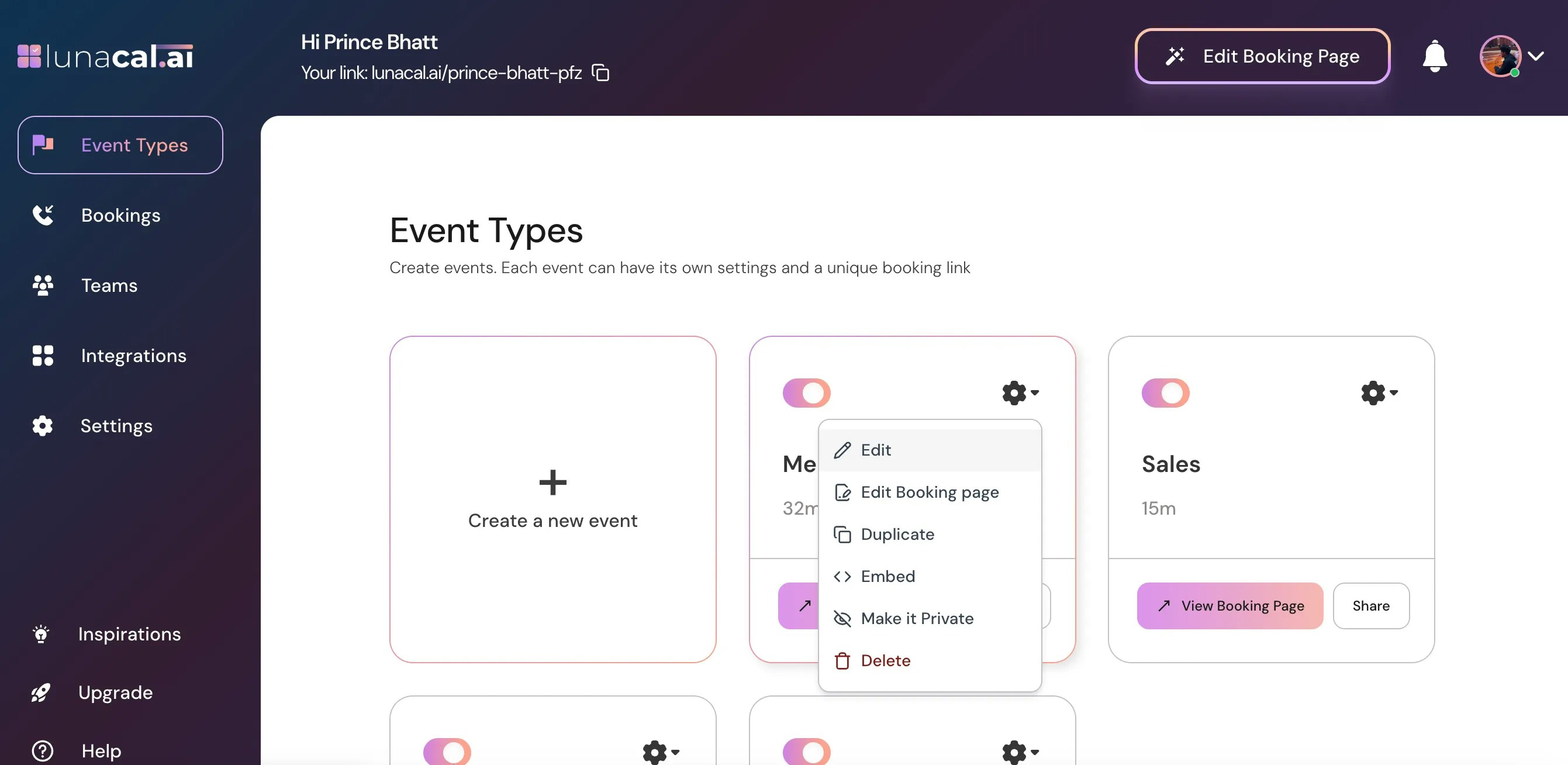
Choose “Edit” from the dropdown.
Open Availability Tab & add exception #
Click on the “Availability” section.
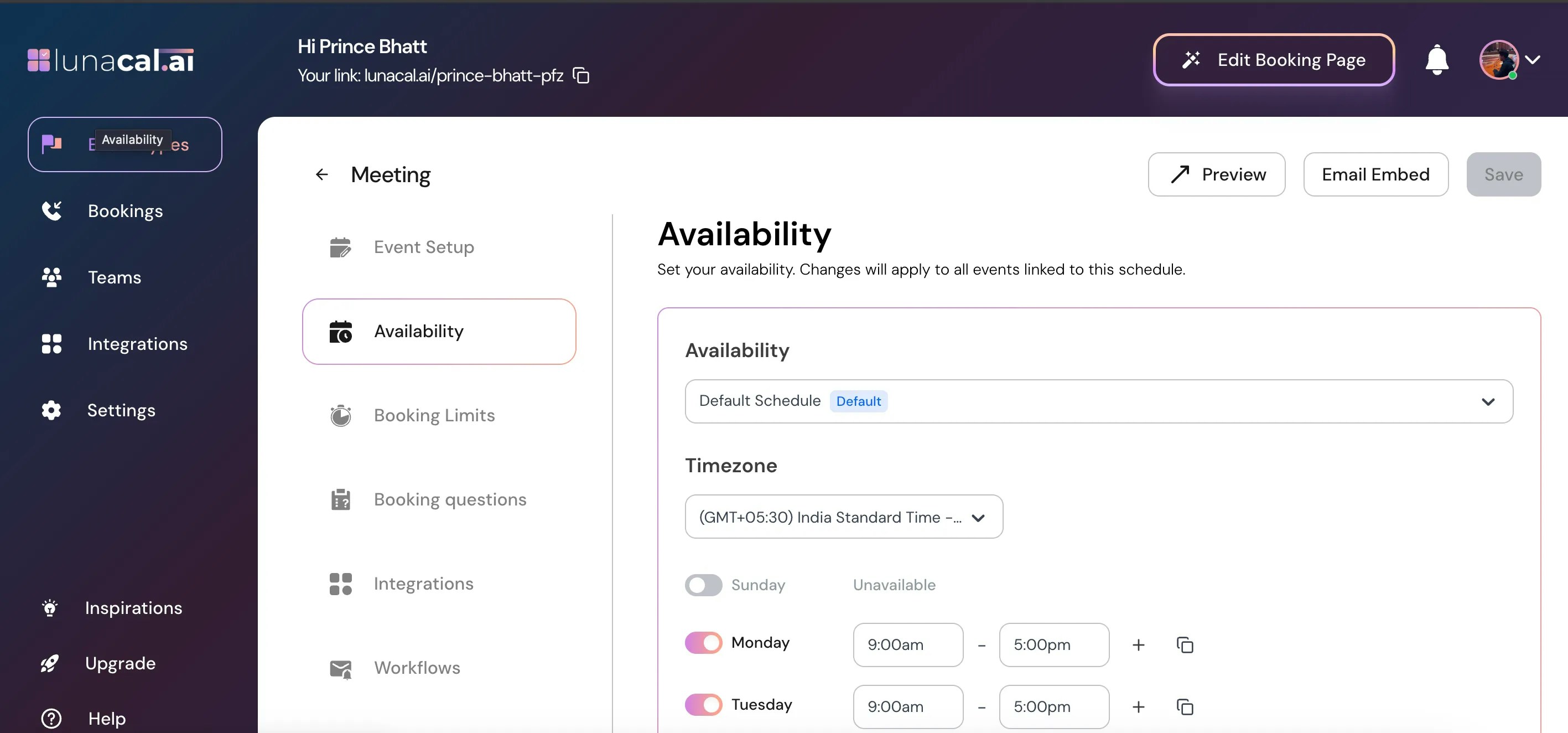
Scroll down and click on “Add exception.”
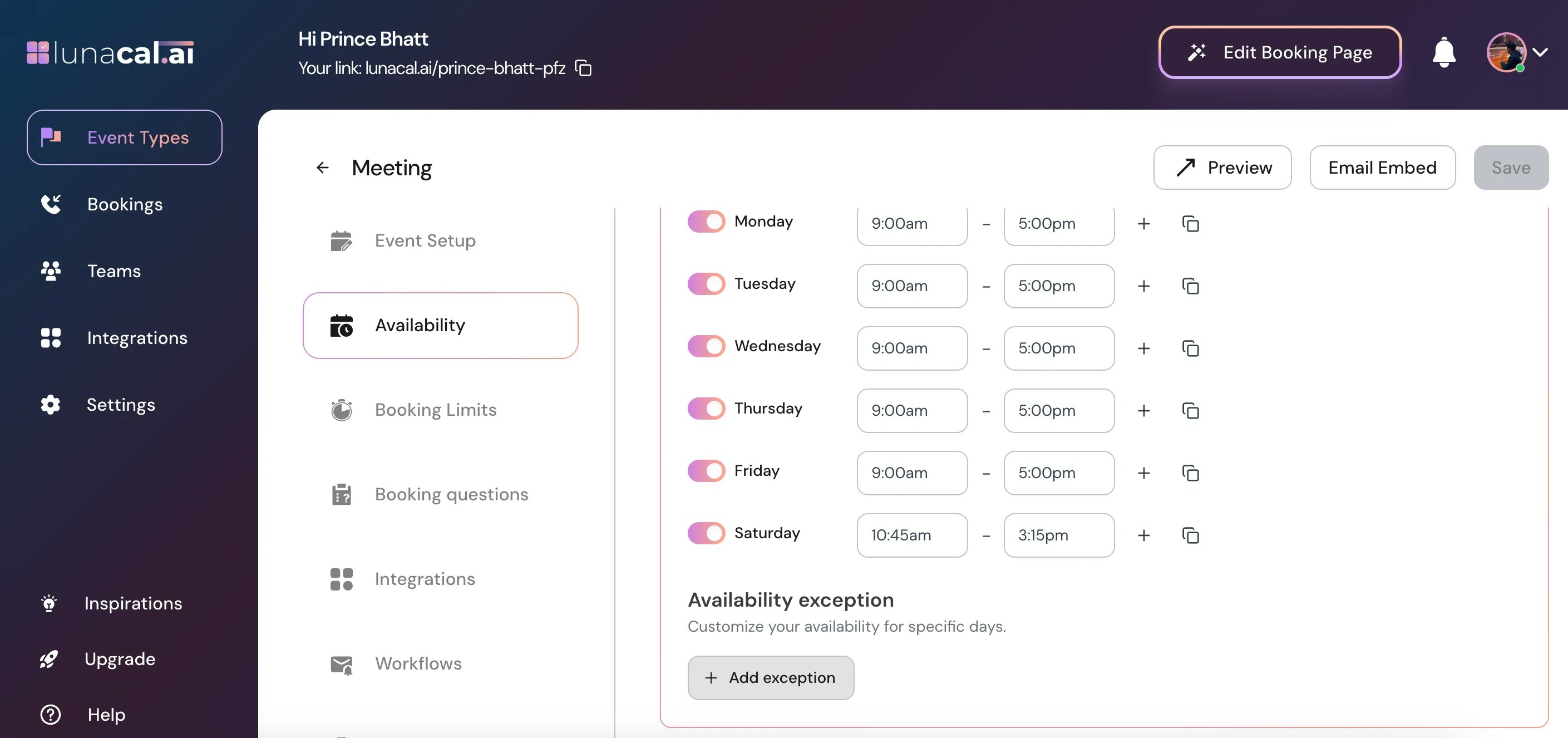
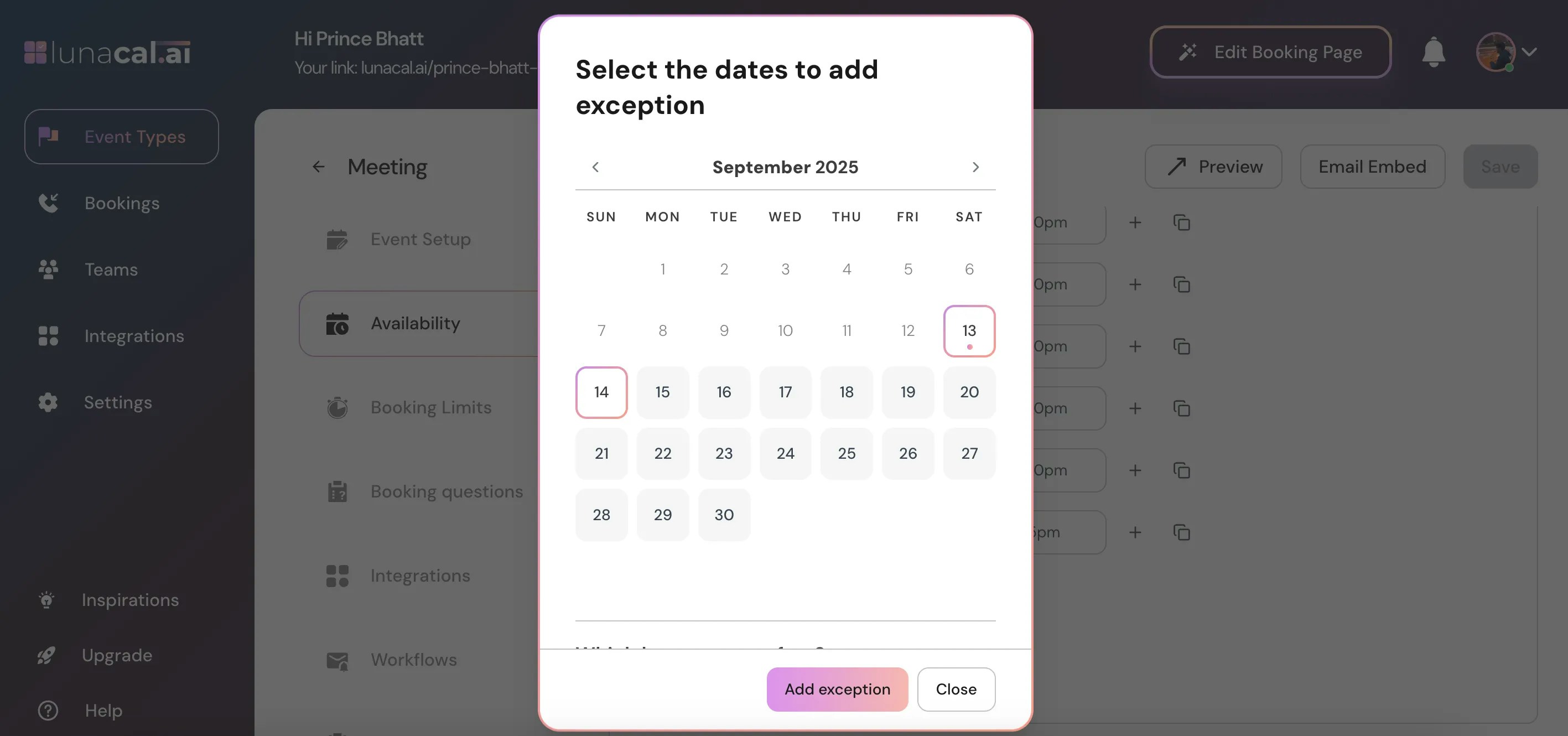
Select Dates & Times #
Select the dates you want to set an exception.
Scroll down and set the time range you’re available for that date.
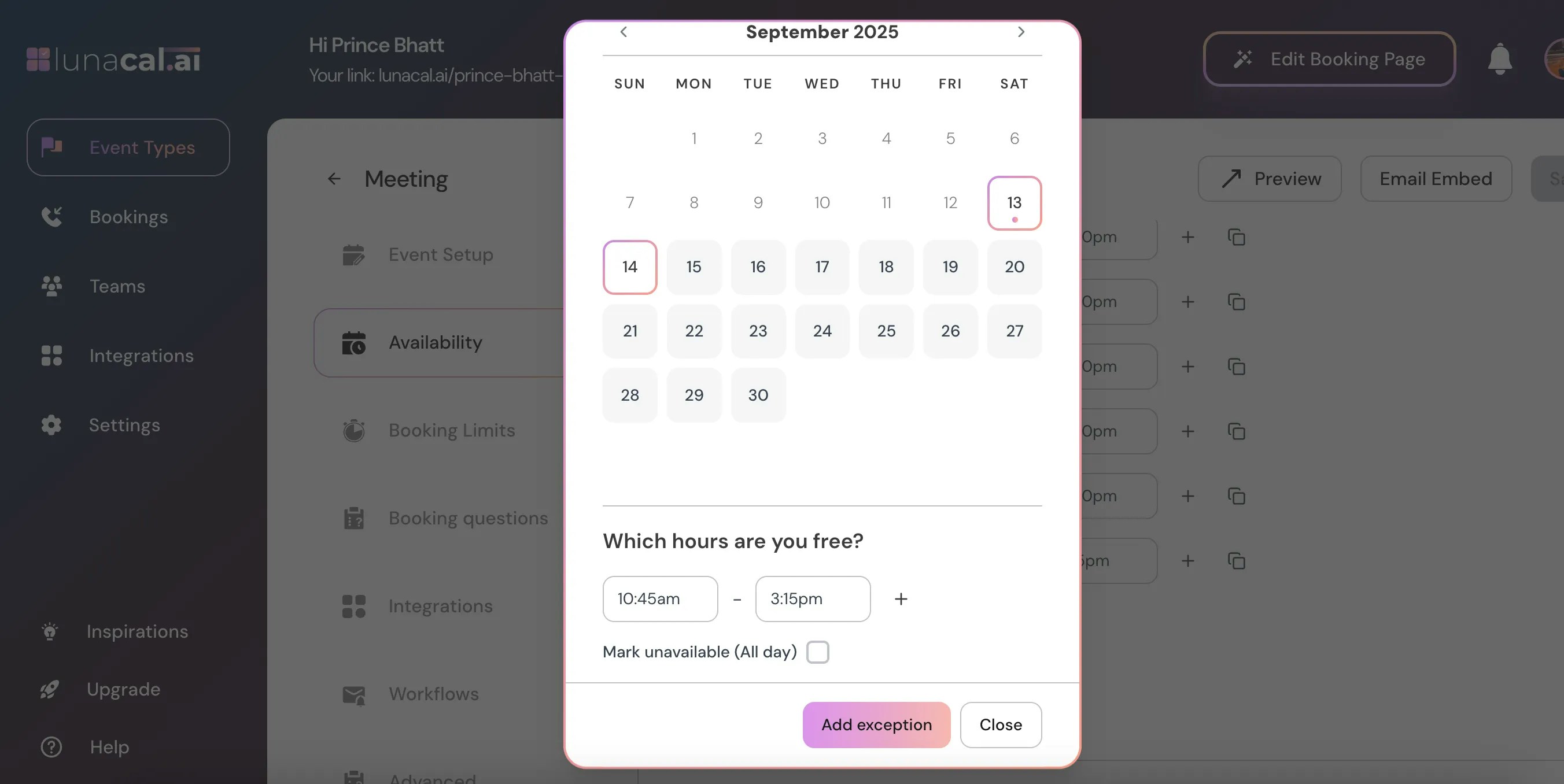
Multiple Time Ranges #
Click the ”+” button to add multiple time ranges if you’re available at different slots during the same day.