


With Events in SiteDude Meet, you can set up meetings for different goals and topics, plus you can pick specific times and places for each one. This way, you can effortlessly organize sales calls, feedback sessions, and more.
On this page, you learn how to add an event, details and to specify the event location.
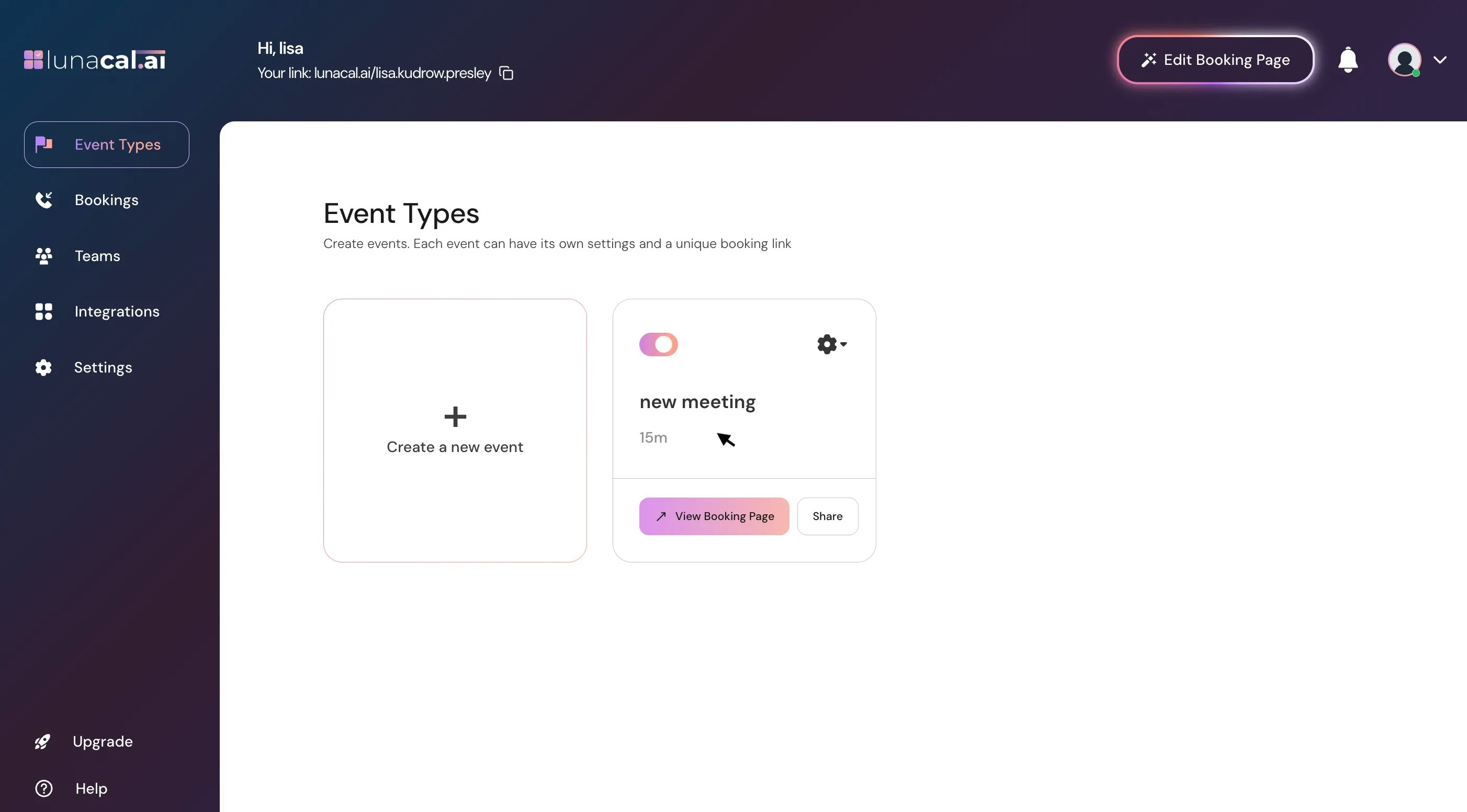
Select Event Types #
Start by opening the event type you want to configure.
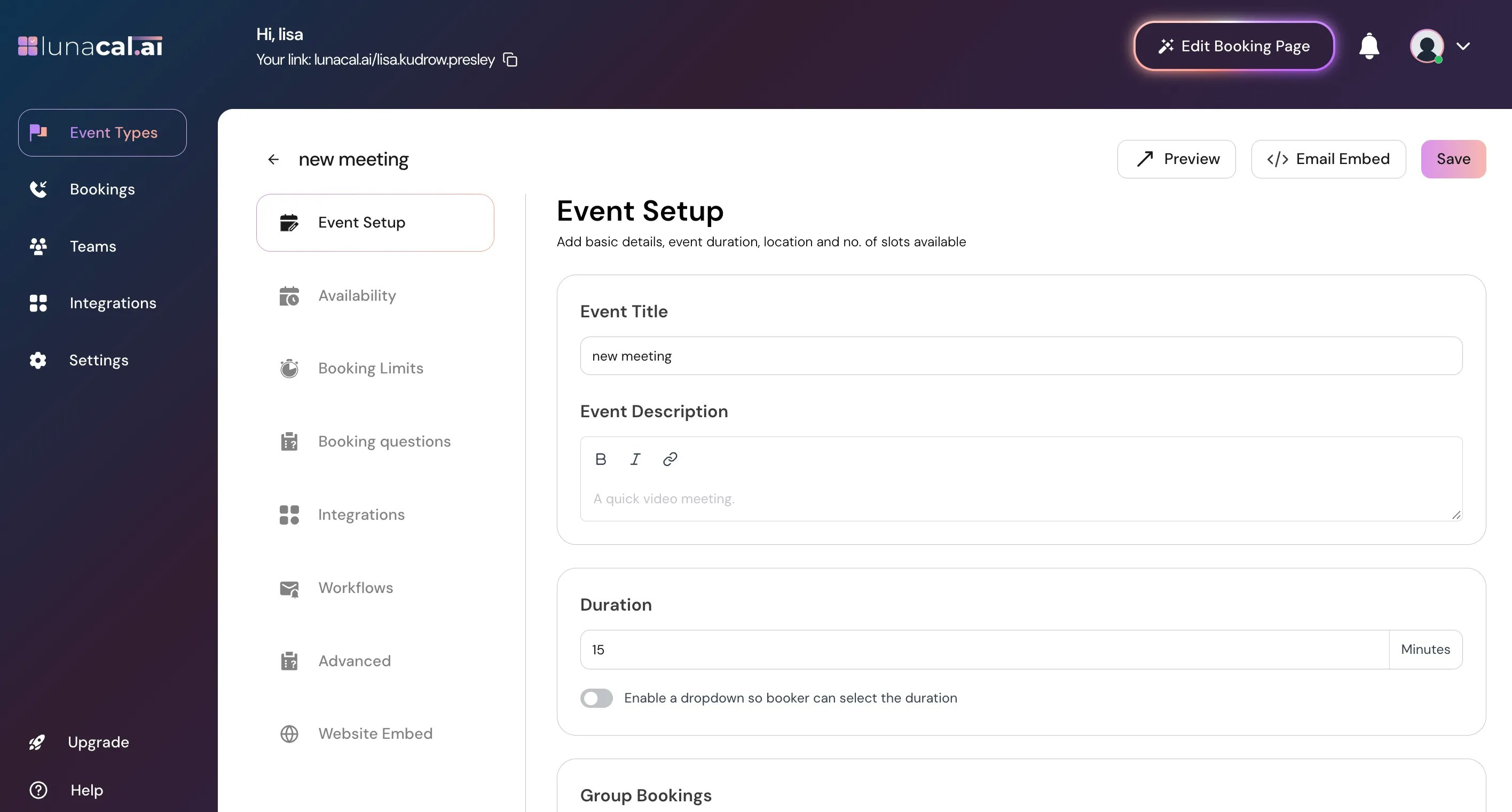
Set up your event #
In this view, you’ll see options to further customize your event details and settings, fill the basic details such as the title, description, duration.
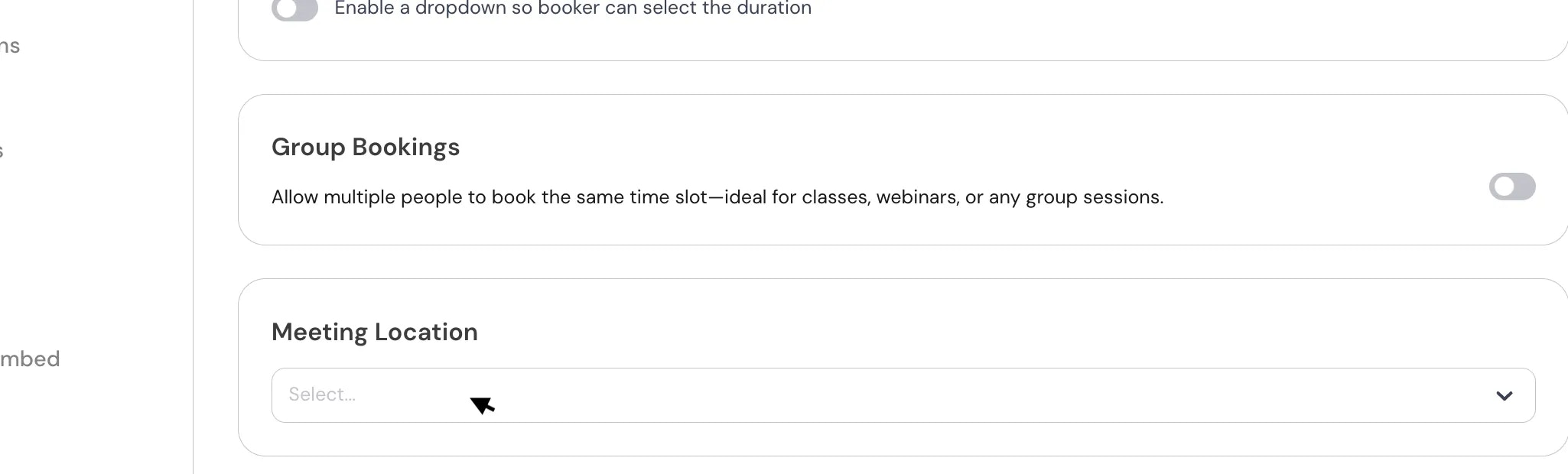
Select location #
Click on drop-down to add “Meeting location”.
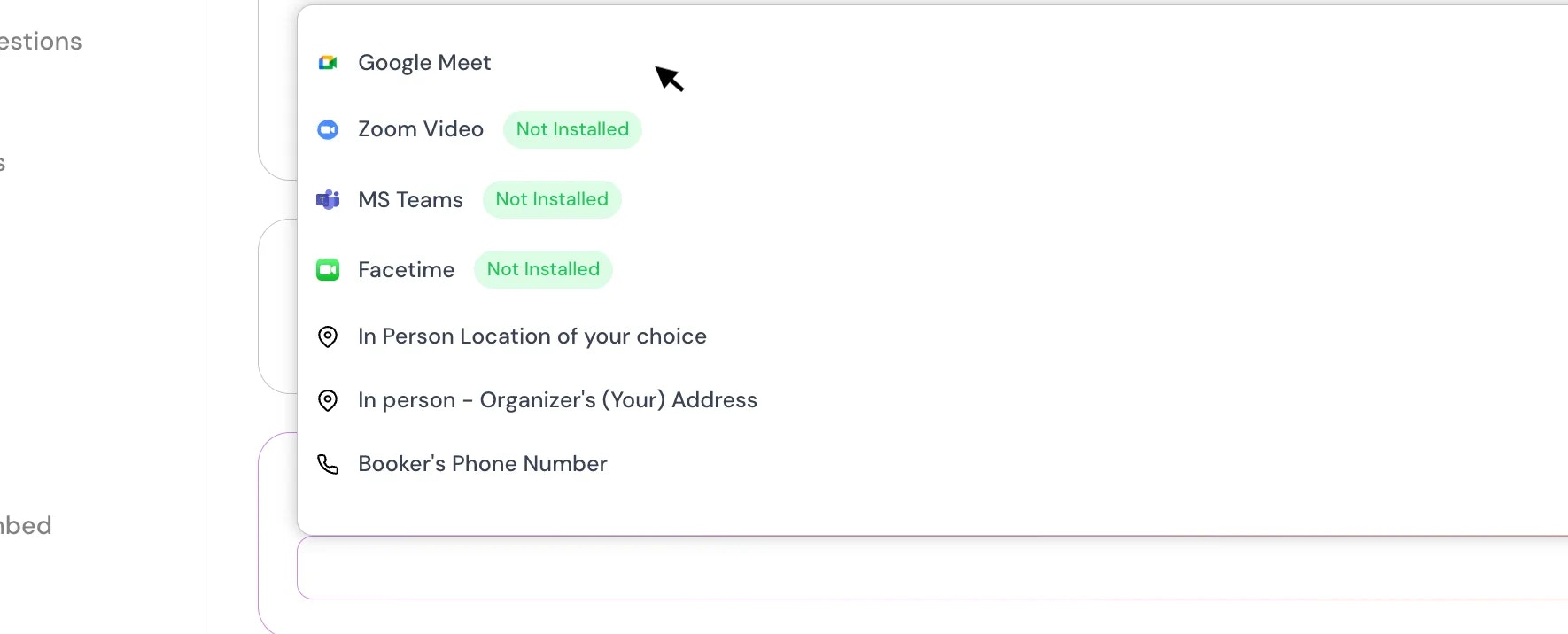
You can choose location from the dropdown, such as, In-Person (Location of your choice), In-Person (Organizer Adress), Link Meeting, Attendee phone number, organizer phone number, and your confrencing apps such as ( Google Meet, MS-Teams, Facetime & Zoom).
If you want to add another location, Click on “Add another location” again and specify the location



