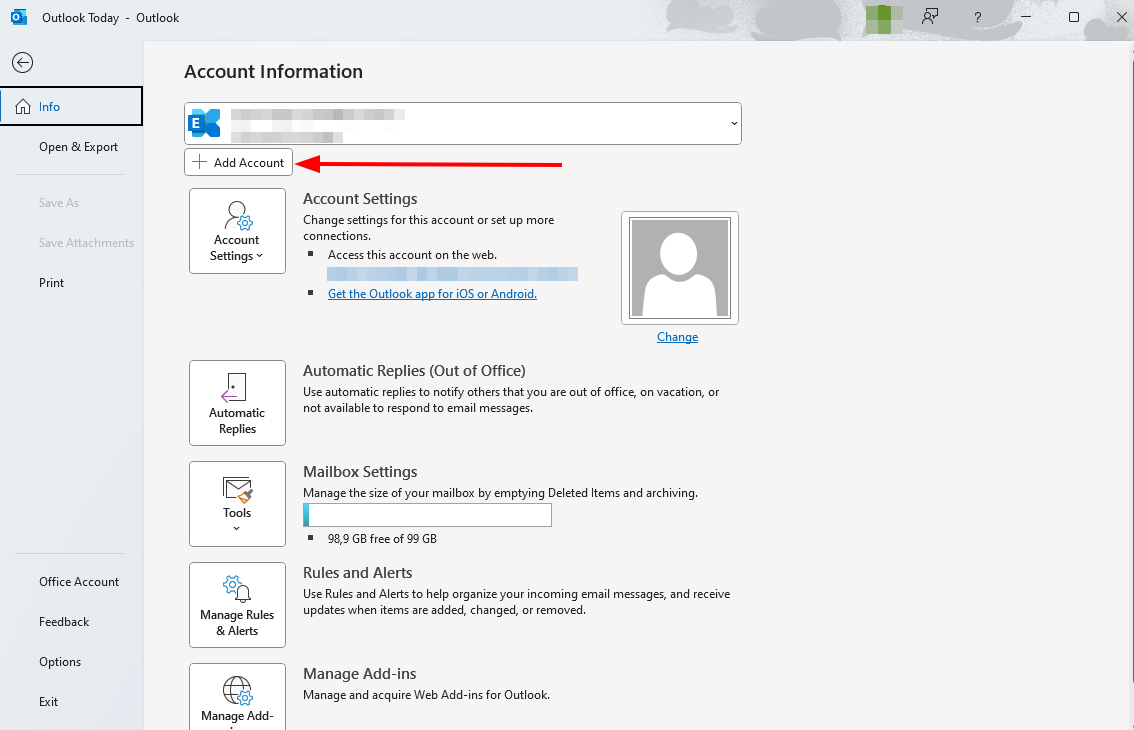
To set up your mailbox in Outlook or Outlook.com, select „Add Account“ and follow the steps provided. Please note that the order and description may differ depending on the Outlook version you are using.
Configuration of your mailbox in Outlook #
1. Open Outlook. If you don’t have an account, start with step 3.
2. Click on the „File“ tab on the left side of the program, then click on „Add Account“.
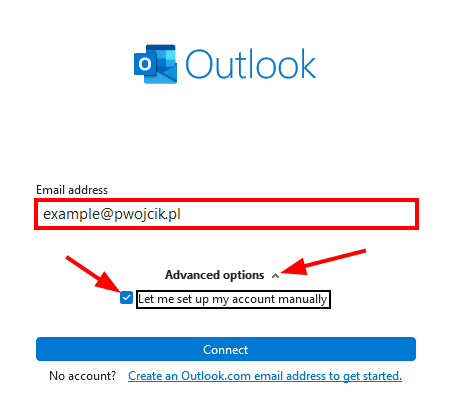
3. Fill in the „Email address“ field, expand „Advanced options“, and check the checkbox.
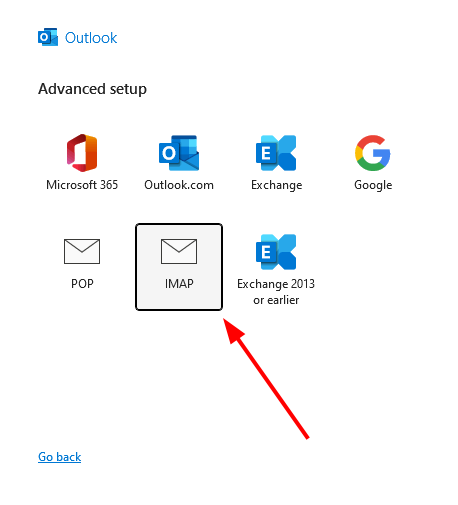
4. Select an IMAP connection.
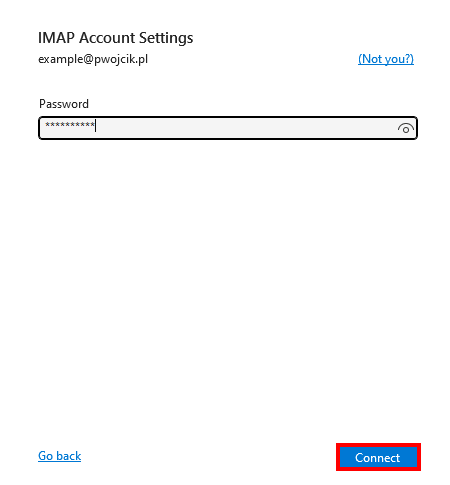
5. Enter the inbox password, then click „Connect“.
6. Click „Change account settings“ if the problem occurs.
7. Change the account settings according to the data for configuration (IMAP/SMTP Table). Click the „Next“ button.
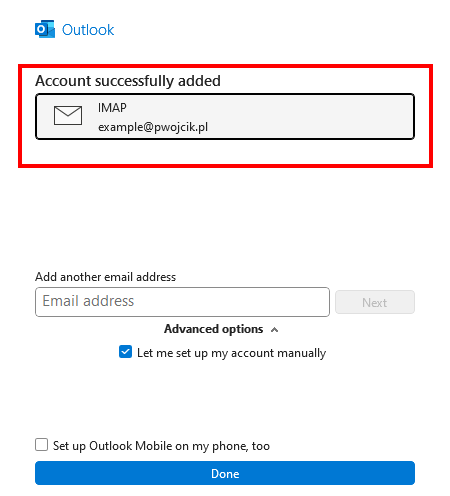
8. Your account has been added correctly. Click „Done“ button.