Enhance customer engagement and expand your reach with gift cards. SiteDu.de Booking allows you to use this strategy to cultivate loyalty among existing customers and attract new ones. Whether for birthdays, holidays, or special occasions, offering gift cards allows individuals to treat themselves or their friends, which effectively drives repeat bookings and generates valuable word-of-mouth referrals.
To enable the Gift Card feature, you must have at least one online payment method configured and active. Important: Please note that Authorize.net is currently not a supported payment method for gift card purchases.
What you can do #
- Customer Retention: Encourage repeat visits by allowing partial redemptions and balance tracking.
- Referral Potential: Let clients send gift cards to friends or family, bringing in new customers.
- Easy Promotion: Showcase gift cards on your booking website in multiple ways—or keep them hidden for exclusive offers.
Use Cases #
Seasonal Promotions: Sell discounted gift cards during holidays or special events.
Referral Rewards: Offer gift cards as incentives for referring new clients.
Business Gifting: Allow corporate clients to purchase gift cards for employee rewards.
Flexible Gifting: Enable users to select custom amounts and expiration dates for personalized gifts.
How to configure gift cards for your booking #
You can choose whether to display the Gift Card option on your booking page and customize how it appears.
To configure this, navigate to the Finance tab > Gift Cards > Settings and select your preferred display option:
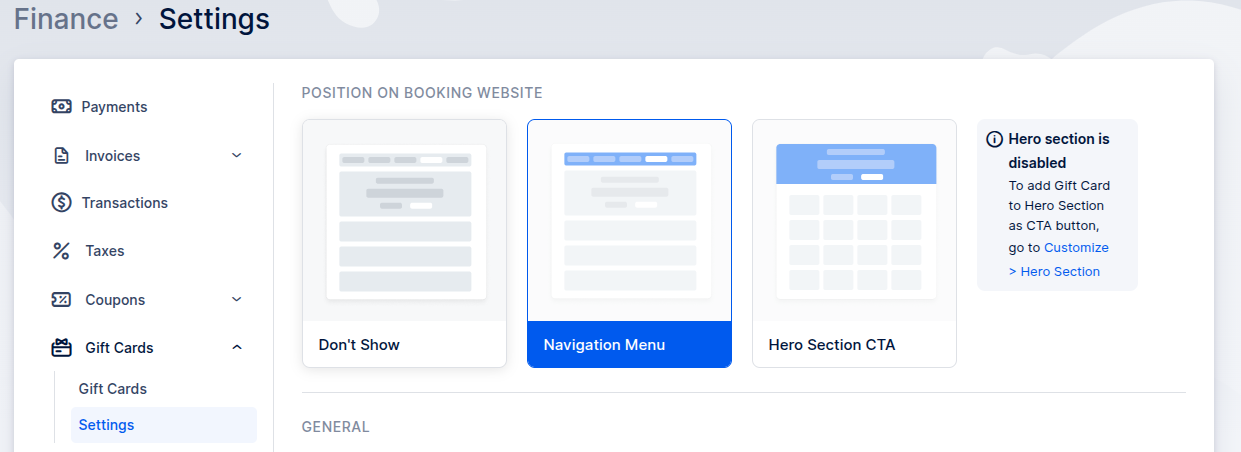
Depending on your selection, the Gift Card option will be shown as a separate tab or Hero Section CTA button:
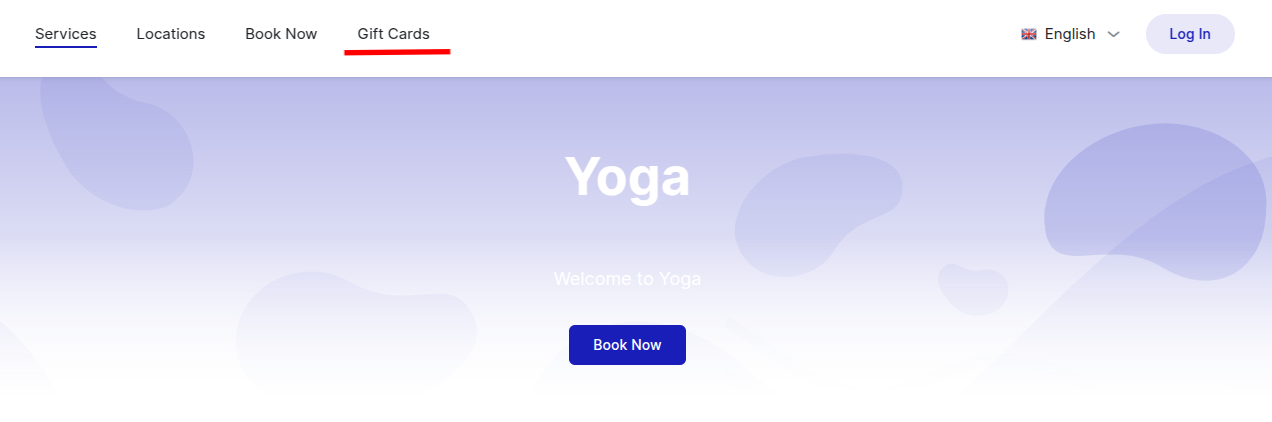
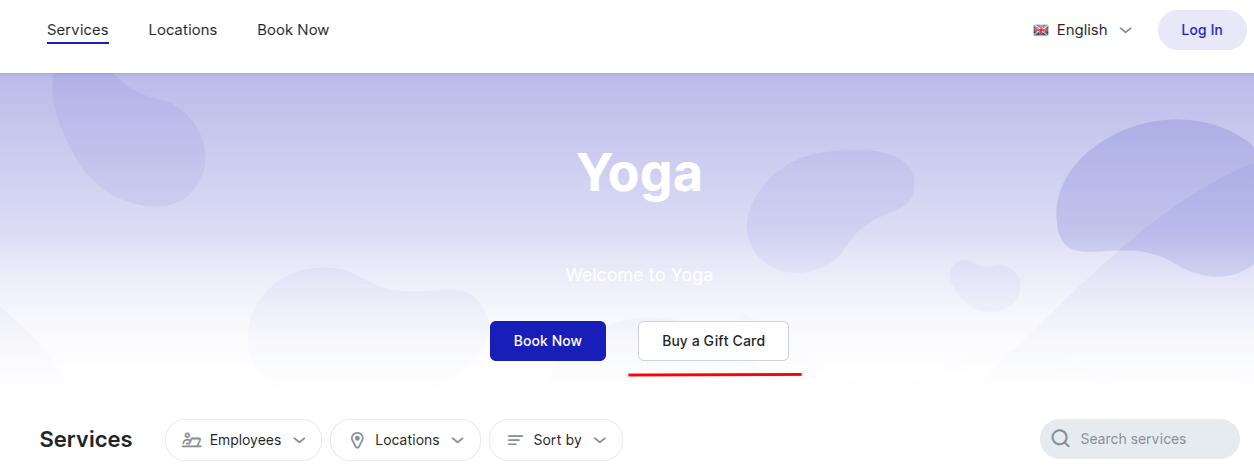
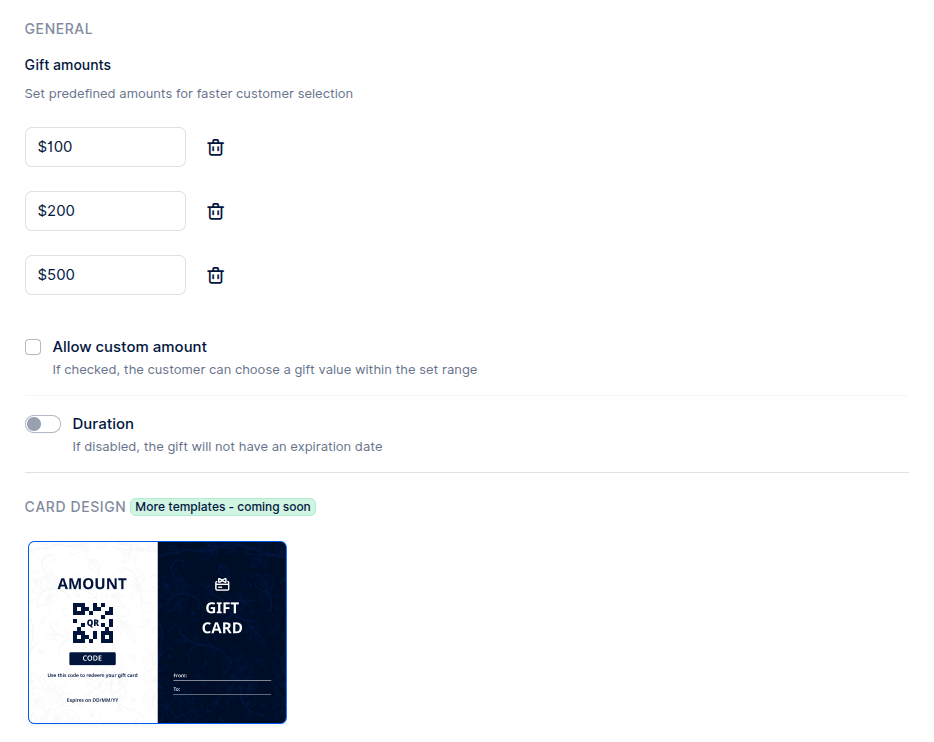
The bottom part of the Settings page allows you to create pre-defined values of gift cards or to allow custom values and set their expiration.
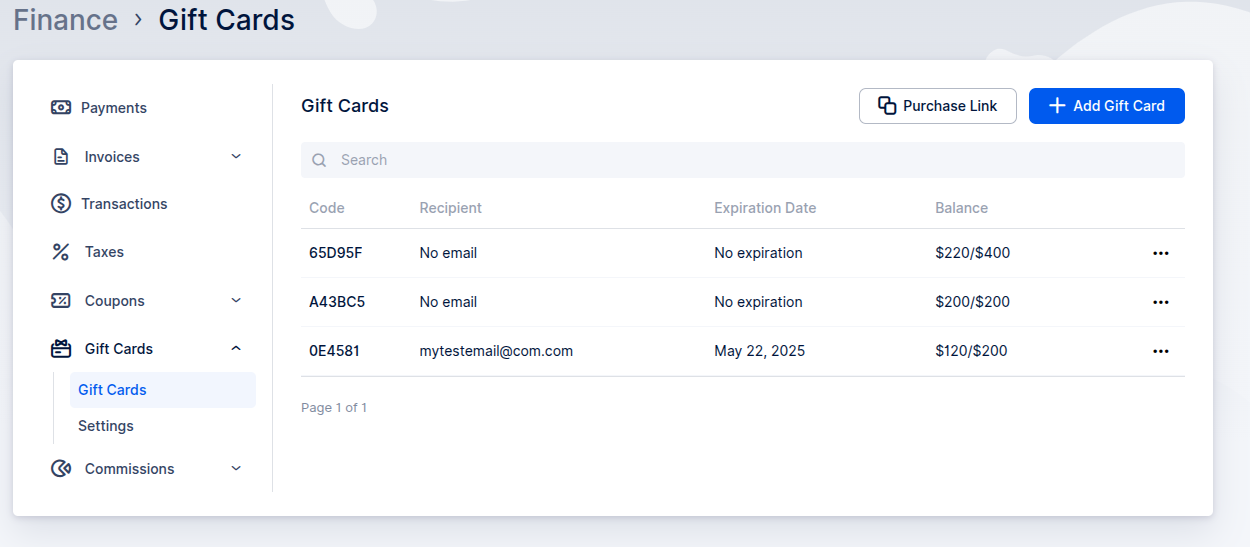
Navigate to the Finance > Gift Cards > Gift Cards tab to review the history of issued gift cards. This section also allows you to manually create new gift cards and send them directly to customers.
Additionally, the page displays key details for each card, including its original value and current remaining balance. Typically, the original value appears on the right, while the remaining balance is shown on the left.
Purchasing Gift Card #
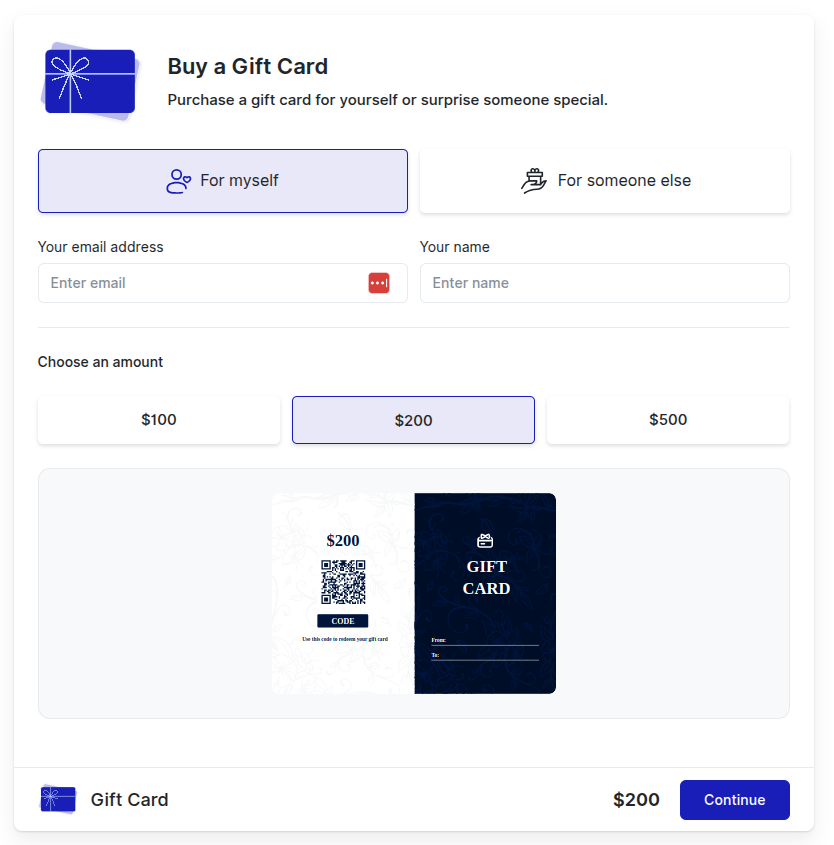
Gift Card Delivery Options #
You can purchase a Gift Card for your own use or choose to send it directly to someone else’s email address.
Entering Recipient Details (Optional) #
The purchase form includes fields for a name and email address. Providing this information is optional. Even if you leave these fields blank, you can still complete the purchase because you will always be able to download the Gift Card file yourself at the end of the process.
Recommendation for Gifting #
If you are purchasing the Gift Card for someone else, we strongly recommend entering the recipient’s correct email address to ensure they receive the Gift Card directly via email.
The next screen will present all available payment options. Please select your preferred method to proceed with the payment.
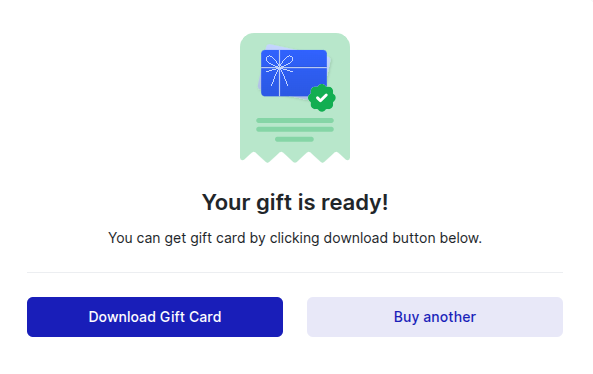
After your payment is successfully processed, you will receive a confirmation message. You will also be given an option to download the Gift Card as a PDF file.
This PDF file contains the unique Gift Card code, which can be applied when booking services. It also includes the name and email address that were provided during the purchase process.