


Cookies are small files that are being saved in your web browser when you visit a website. For example, your website uses cookies to collect visitor statistics, which you can access via your Webmaster Panel.
It’s not only good practice to inform visitors that your website uses Cookies, in most business cases this is legally required. With the SiteDu.de builder, you can easily add a Cookies notification to appear at the top or bottom of your website or you can turn it off completely.
How to enable cookies information settings — bar #
- Enter the website builder.
- In the Settings Panel select „Website“ and „Cookies information“.
- In the „Display method“, select „Bar“
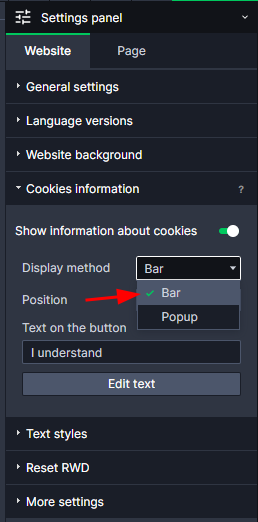
- In the „Position“ drop-down field you can decide whether you want to show the Cookies Information notification at the top or bottom of your website.

How to edit cookies information panel #
- In the Settings Panel select „Website“ and „Cookies information“.
- Click on the „Edit text“ button
Now you can edit your cookies message like normal text element:
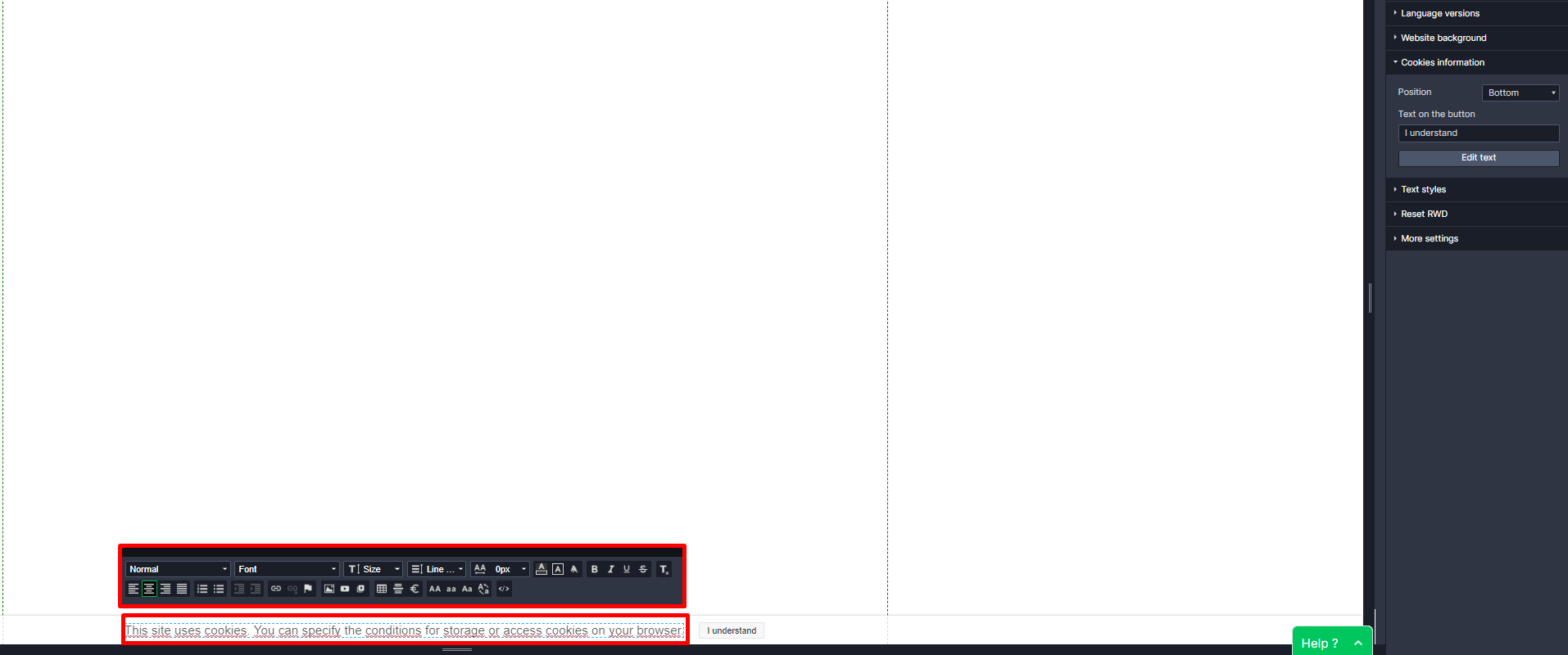
If you want to change text of the cookies accept buton changing iput field over Edit text button

How to enable cookies information settings —popup #
- Enter the website builder.
- In the Settings Panel select „Website“ and „Cookies information“.
- In the „Display method“, select „Popup“
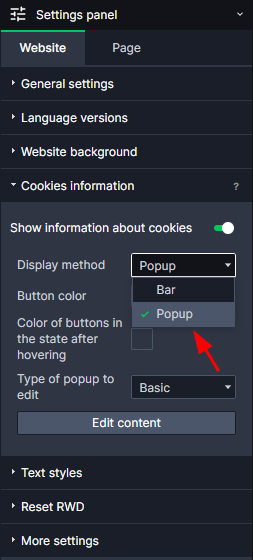
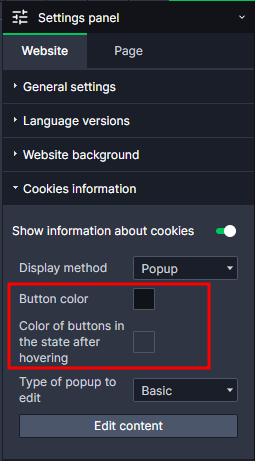
- Change the colors of the buttons in the normal state and after hovering.
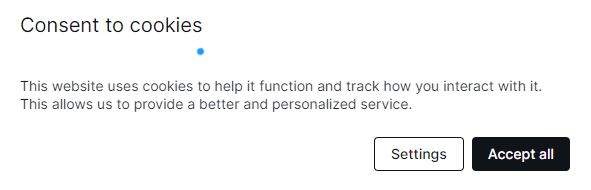
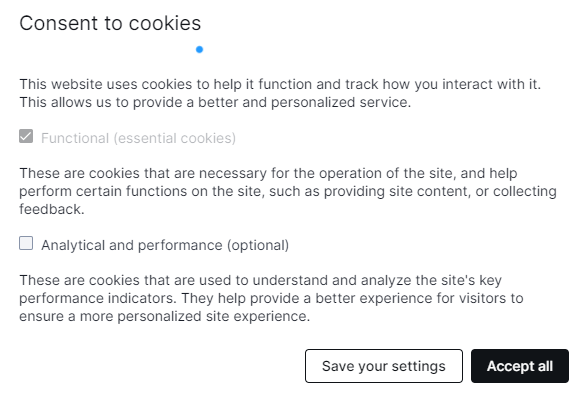
- Choose the type of popup
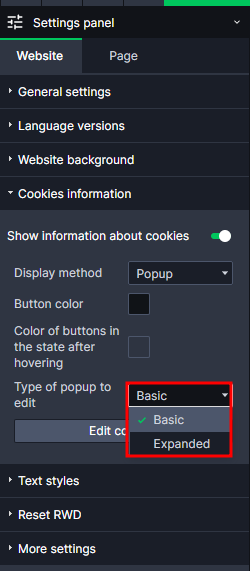
- Basic — includes basic information about why the site uses cookies.
- Extended — includes more extended information on the storage of cookies, and the ability to select the appropriate cookies via a checkbox.
- Basic — includes basic information about why the site uses cookies.
- You can easily edit the content of your popup: go to „Show cookie information“ then „Edit content“.
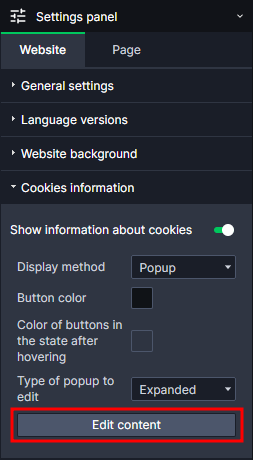
Edit the content of your files – edit the popup according to your preferences.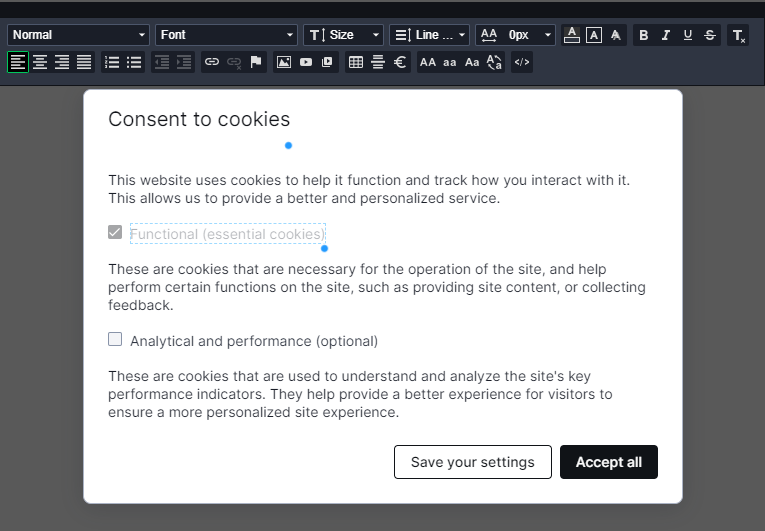
Note! Each field/button can be edited.


